



1. Choose the tool
Use booking with a calendar, a contact form, AI-supported website chat or a personal booking link.
Forms & website widgets
Set up a booking form, contact form, personal artist link or website chat with AI first replies. Clients submit details or ask a question online; your team continues with the request or conversation in InkLinka.
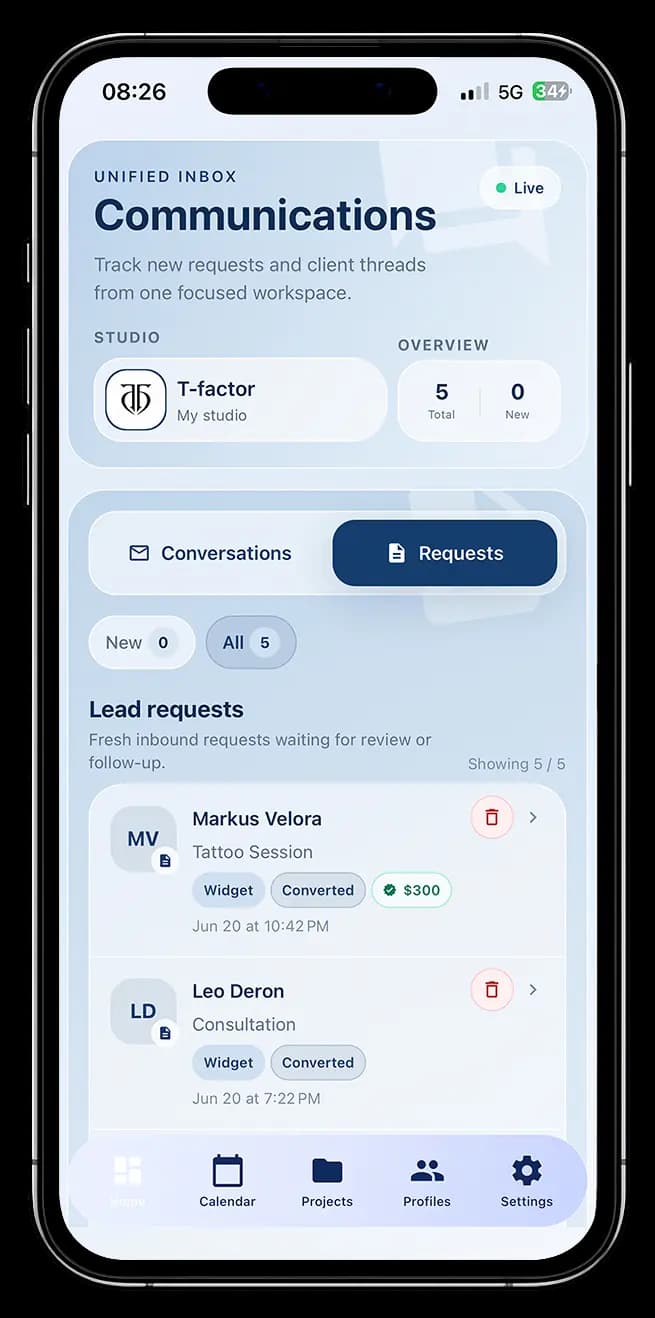
Configure forms, widgets, availability and links on a computer. Continue client conversations from your phone.
Calendar
Maya Laurent
Artist
September 2026
→Select time
Booking form
First name *
Last name *
Phone *
Email *
Service
Description
Color/BW
Location
Preferences & features
How the section works
The section contains forms, booking links and website chat. They solve different tasks but are configured and managed in one place.

Use booking with a calendar, a contact form, AI-supported website chat or a personal booking link.
Select artists, availability, fields and appearance. Personal links can also use service deposit rules.
Paste the embed code into your website, add a modal button or copy a direct link.
Booking submissions appear as requests; contact form submissions appear in shared Conversations.
Booking form + calendar
This widget combines availability and the booking questionnaire. It creates a new request for the studio to review; it does not silently turn an enquiry into a confirmed appointment.
Choose a convenient time and fill out the form
Availability and publishing
Set the visible period and available time slots for selected artists. Existing bookings and active requests are taken into account, while dates and times can also be blocked manually.
Open or close individual dates and time slots.
Adjust calendar and form colors, borders, spacing and button text.
Use an embedded widget, a modal website button or a direct link.
Standalone contact form
Create a form for a specific purpose, choose its fields and embed it on any website page. Every submission opens a conversation in the shared Inbox.
Send us a message and we will get back to you.
Name *
Email *
Message *
Powered by InkLinka
Name *
Email *
Phone *
Your country/city *
Message
Powered by InkLinka
Website chat with AI first replies
Add a chat widget to your website and enable the studio knowledge base with AI. It can answer basic questions about hours, consultations, styles and the booking process using approved studio information and conversation context.
Studio chat
AI assistant enabled
Personal booking links
Create a direct URL for one artist, several artists or a specific booking campaign. The page contains the same calendar and booking form and can be shared in social profiles or messages.
alexnorth.ink
Alex North · Tattoo artist
Fine line · Blackwork
New York · Private studio
Flash
Healed
Studio
What you get
Use the booking widget, contact form, AI-supported chat and personal links separately or together. Every request and conversation remains available to the team inside InkLinka. Configuration is done on a computer; client communication is available on a phone.
Set up forms and widgetsQuestions and answers
Practical details about publishing, availability, submissions and team follow-up.
Yes. Embed the booking widget or contact forms on a website page, add a button that opens the booking form in a modal, and install the AI chat as a website widget. Personal booking links are separate pages intended for social profiles and messages.
No. It creates a booking request with the selected artist, date, time and client answers. The studio reviews the request and decides whether to confirm it or contact the client first.
You choose the artists, visible period and available time slots. The calendar takes existing events and active requests into account, and the studio can also block individual dates or times manually.
A contact form has no calendar or deposit step. It uses standard or custom required and optional fields, does not collect reference images, and creates a new conversation in the shared Inbox.
They are standalone booking pages for one artist, several artists or a specific campaign. Share them in an Instagram profile or message; each page can use its own availability, fields, slot duration and service deposit rules.
It can answer basic questions about studio hours, consultations, styles and the booking process using the approved studio knowledge base. When a question needs a person, a manager can join the same conversation. The widget is available on Pro and Expert plans.