


01
Open Widget and start from Personal Links
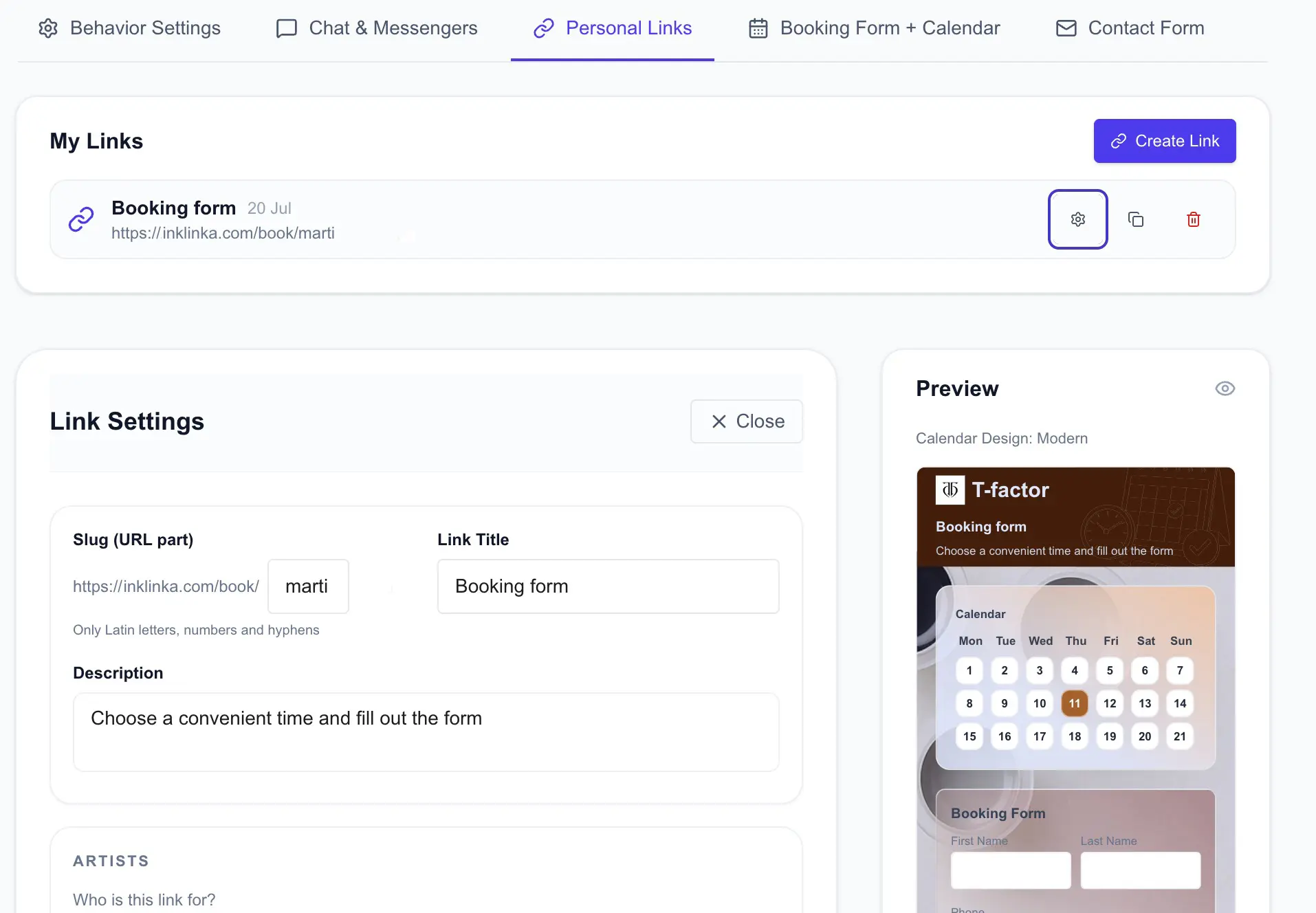
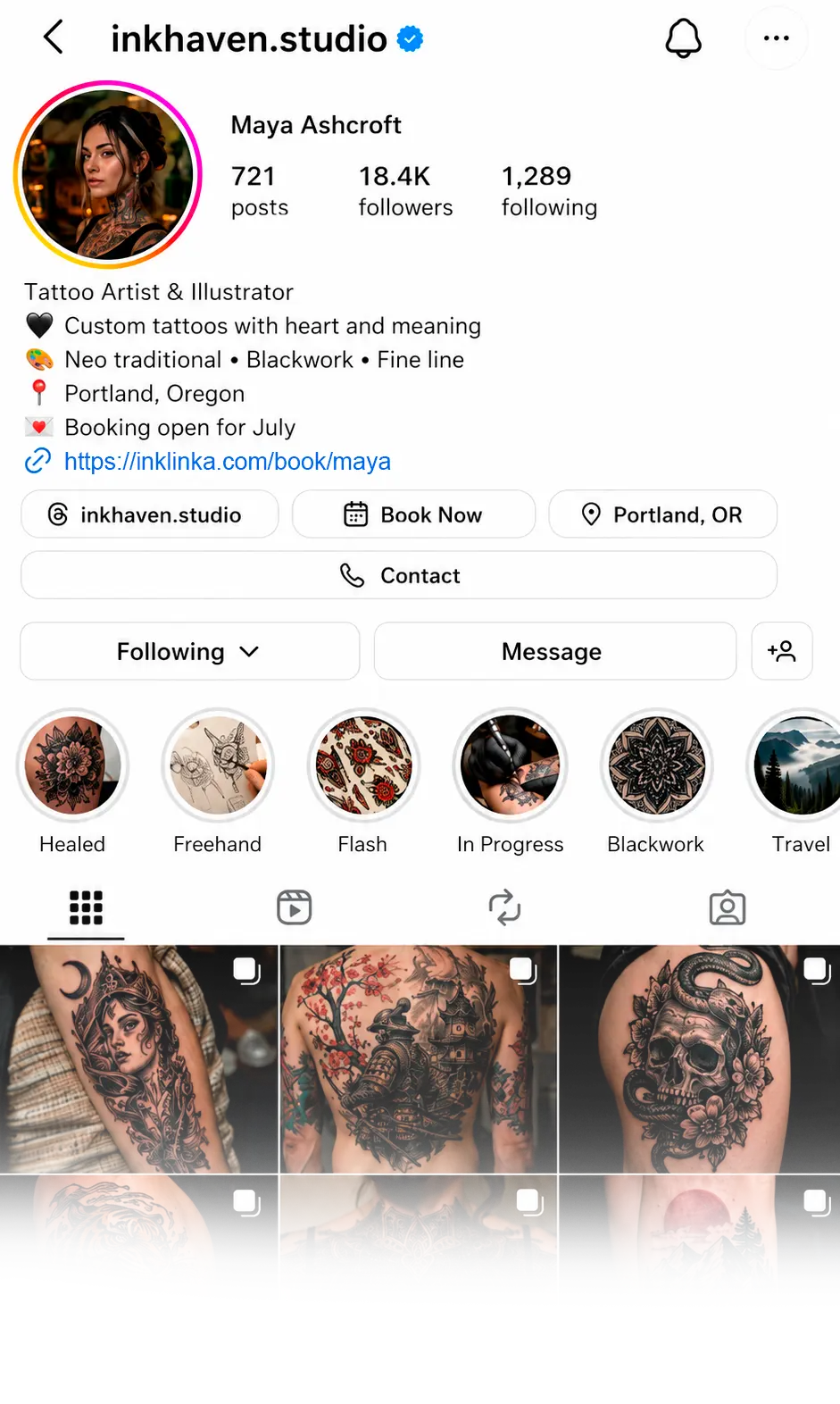
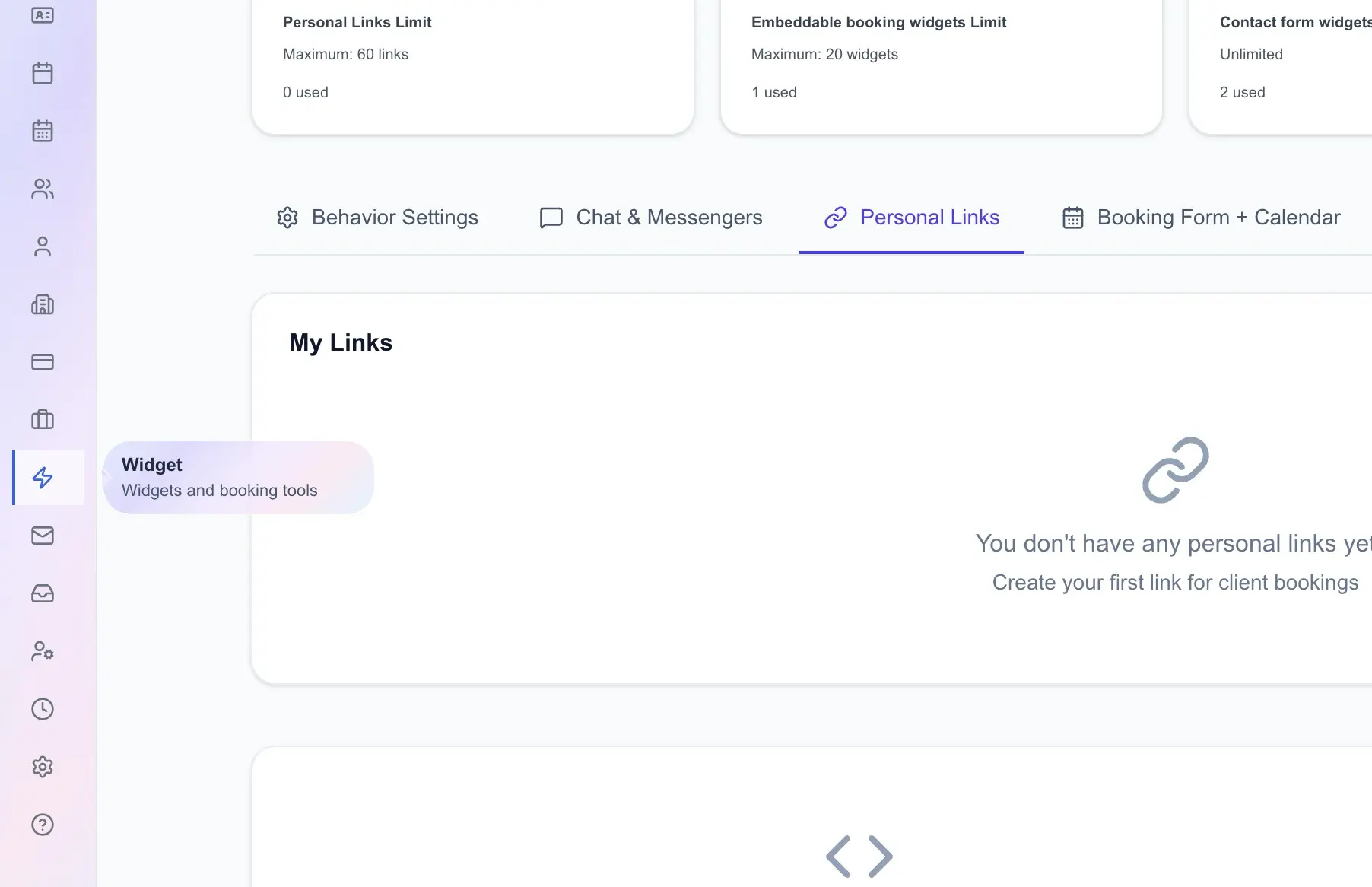
Go to Widget, open the Personal Links tab and create a new link. This is the direct client page you can place in Instagram bio, Stories sticker, highlights or DM replies.
Setup points
- Open Widget in the InkLinka cabinet.
- Choose the Personal Links tab.
- Click Create Link and keep the settings panel open.
Personal Links versus website widgetsPersonal Links are best for Instagram because they create a direct public booking URL.+
Details
- The link opens as /book/your-slug, so clients do not need your website first.
- Booking Calendar widgets are better when you want to embed a calendar into an existing website with a script.
- Contact form widgets are useful when you need a simple intake form without a calendar or deposit flow.
Access and limitsThe tab depends on the studio plan and role permissions.+
Details
- If the tab is unavailable, check the plan feature for personal links.
- Managers also need permission to manage Widget: Personal links.
- Existing links can still be visible even when creating new ones is limited by the plan.
Why it matters
Instagram traffic should land on a page made for booking, not on a scattered set of messages, screenshots and manual follow-up.